
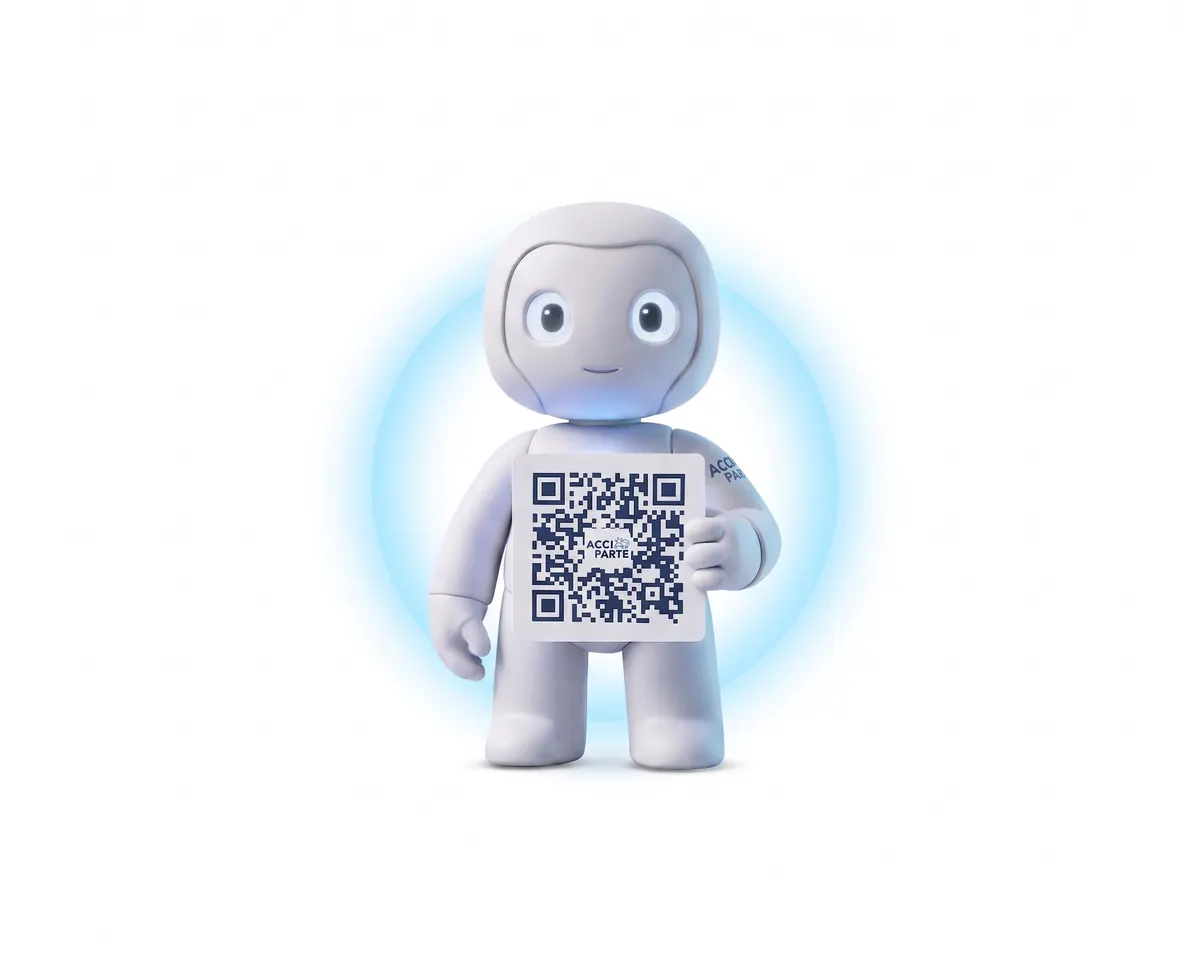
Product
From the vehicle's QR code to a claim file everyone can use
Acciparte covers the entire claim journey from minute zero: report capture, official document, claim file with permissions, management panel and automatic distribution. No application to download, and the driver never needs to know who insures the vehicle.
Demo
An accident report from start to finish, on video
Three and a half minutes: accident details, vehicles, insurers, circumstances, sketch, photographs and signature. Exactly as the driver sees it on the phone (interface in Spanish).
Real screens
The report, screen by screen
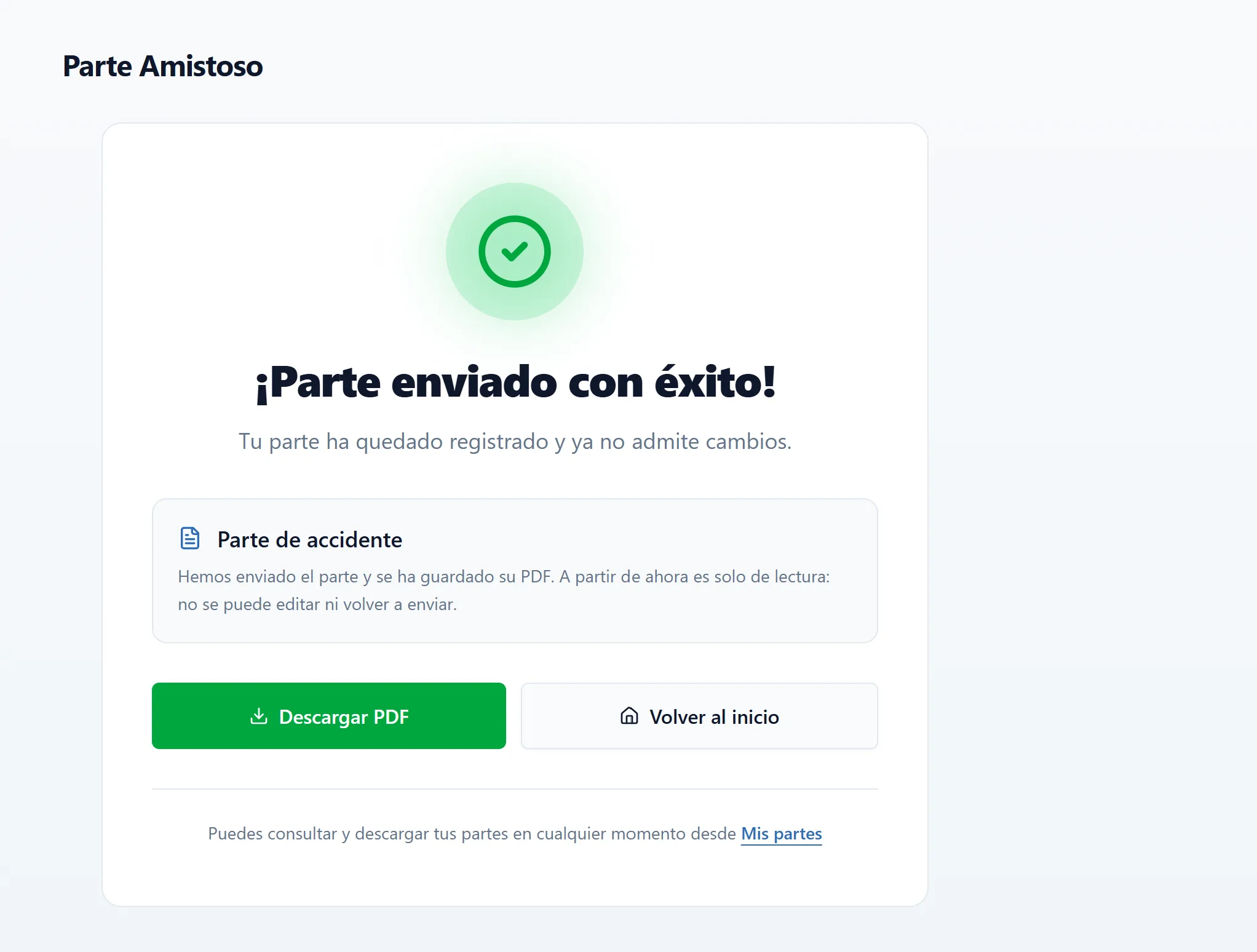
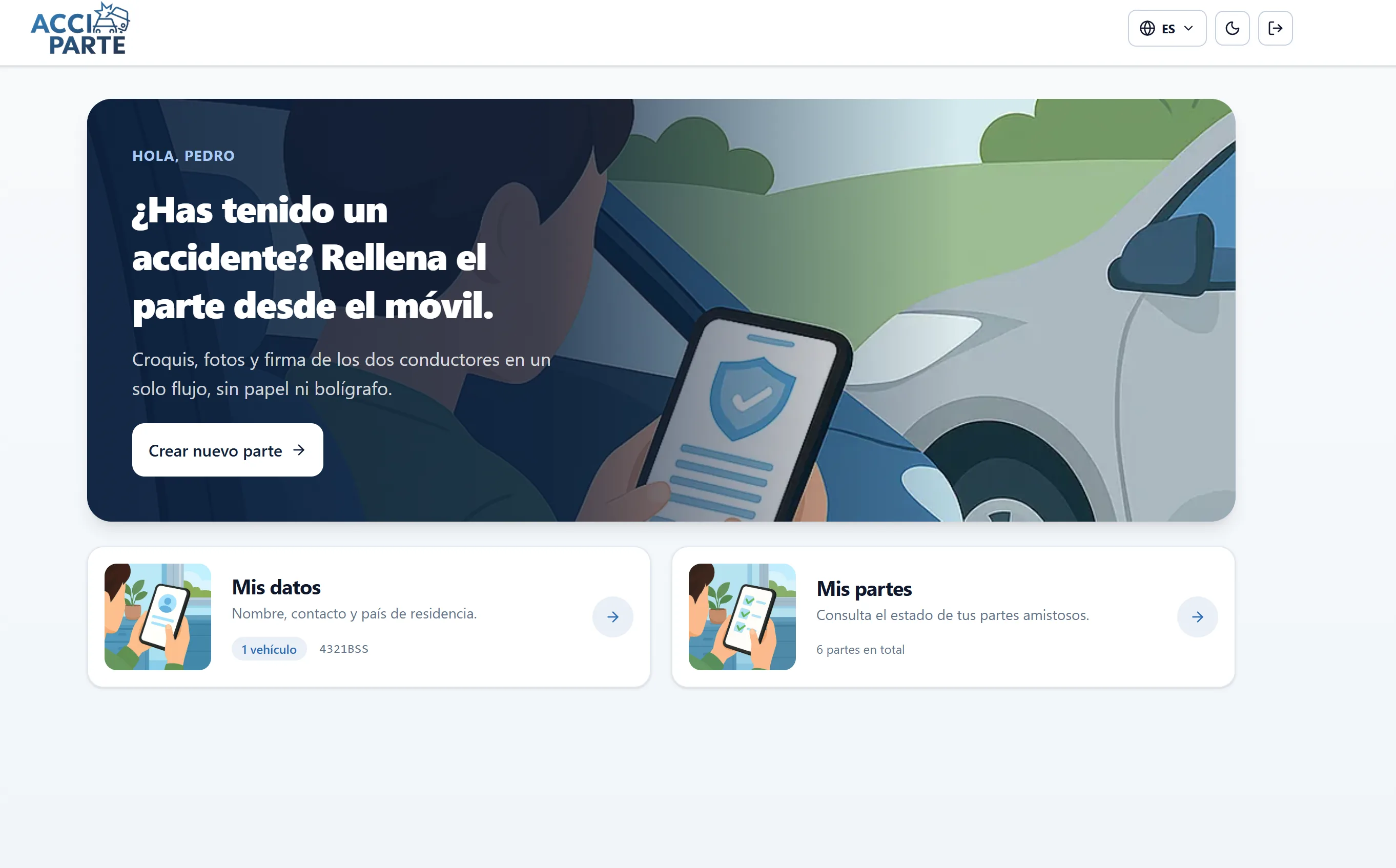
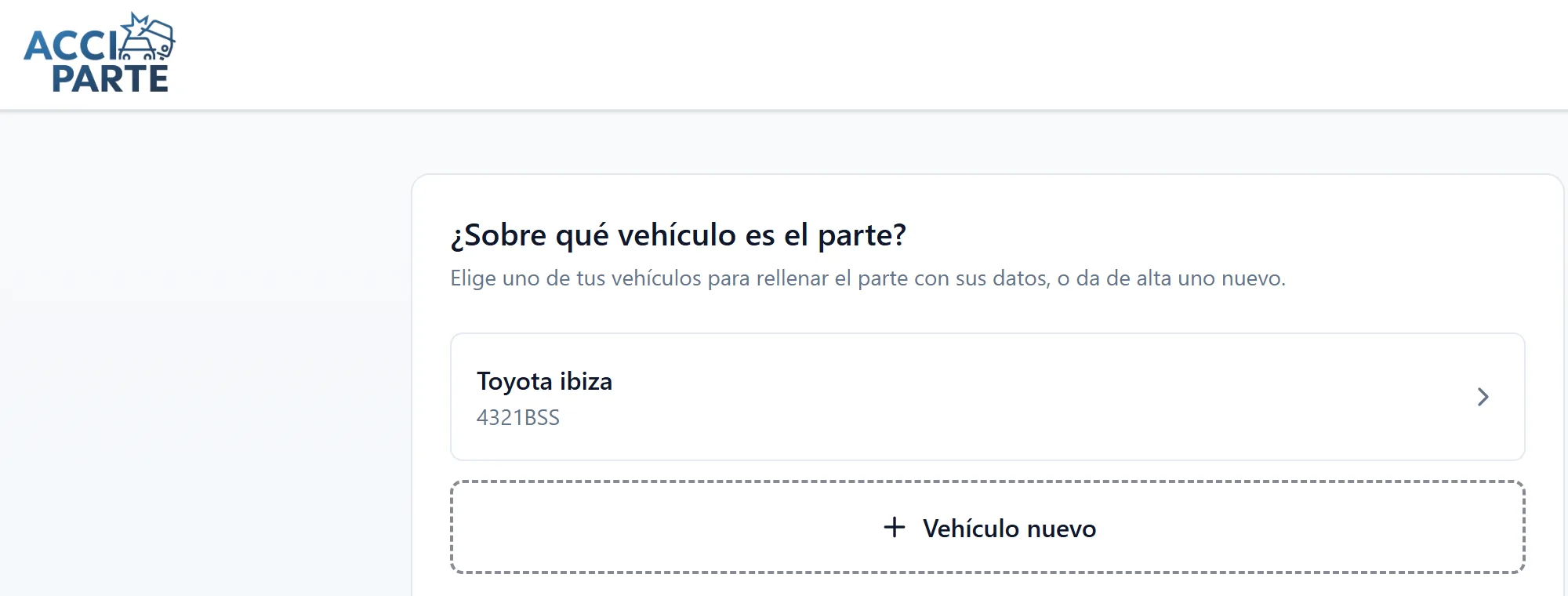
Screens of the platform in production, with fictitious data and the interface in Spanish. What the driver sees from choosing the report type to receiving the PDF.
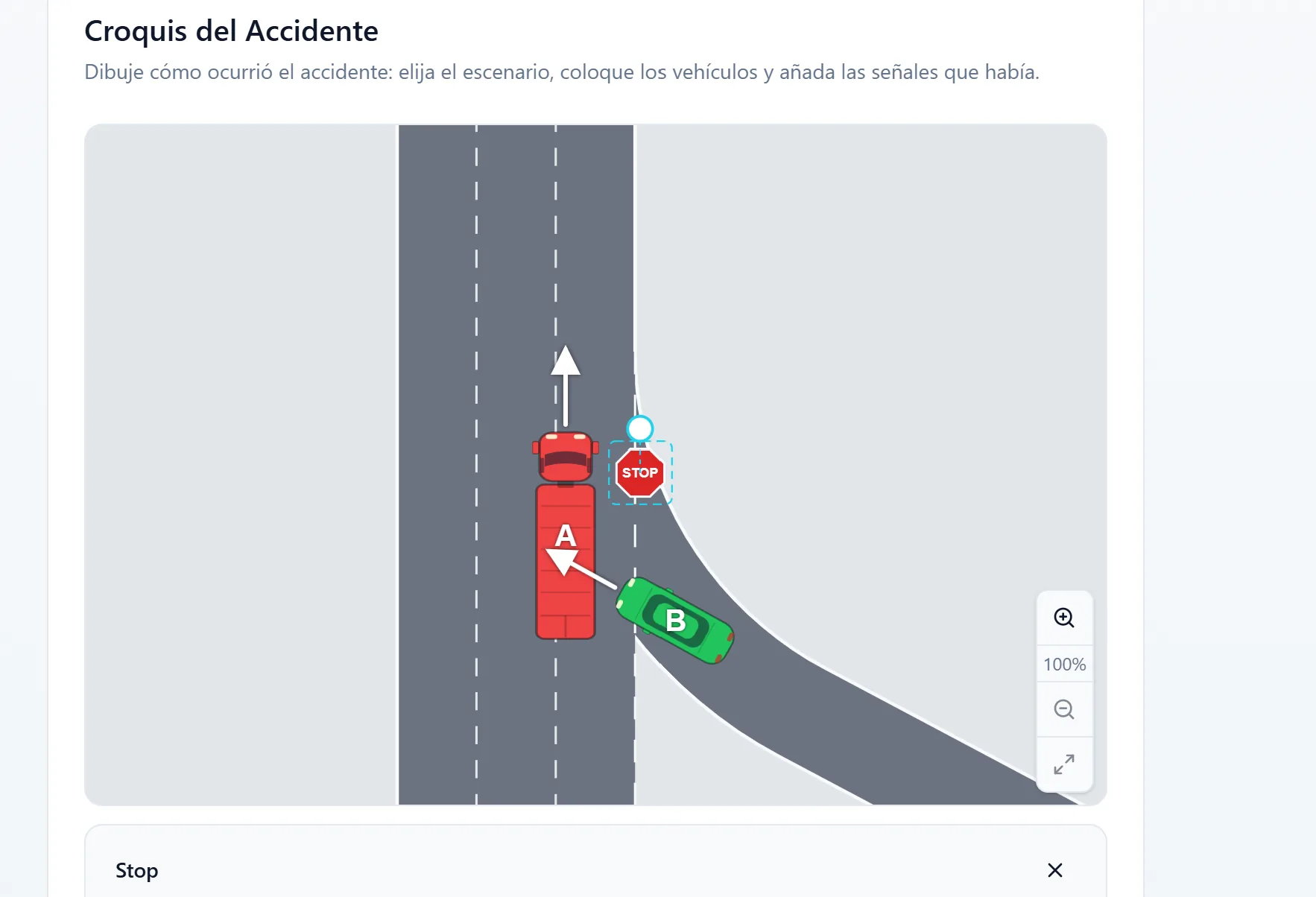
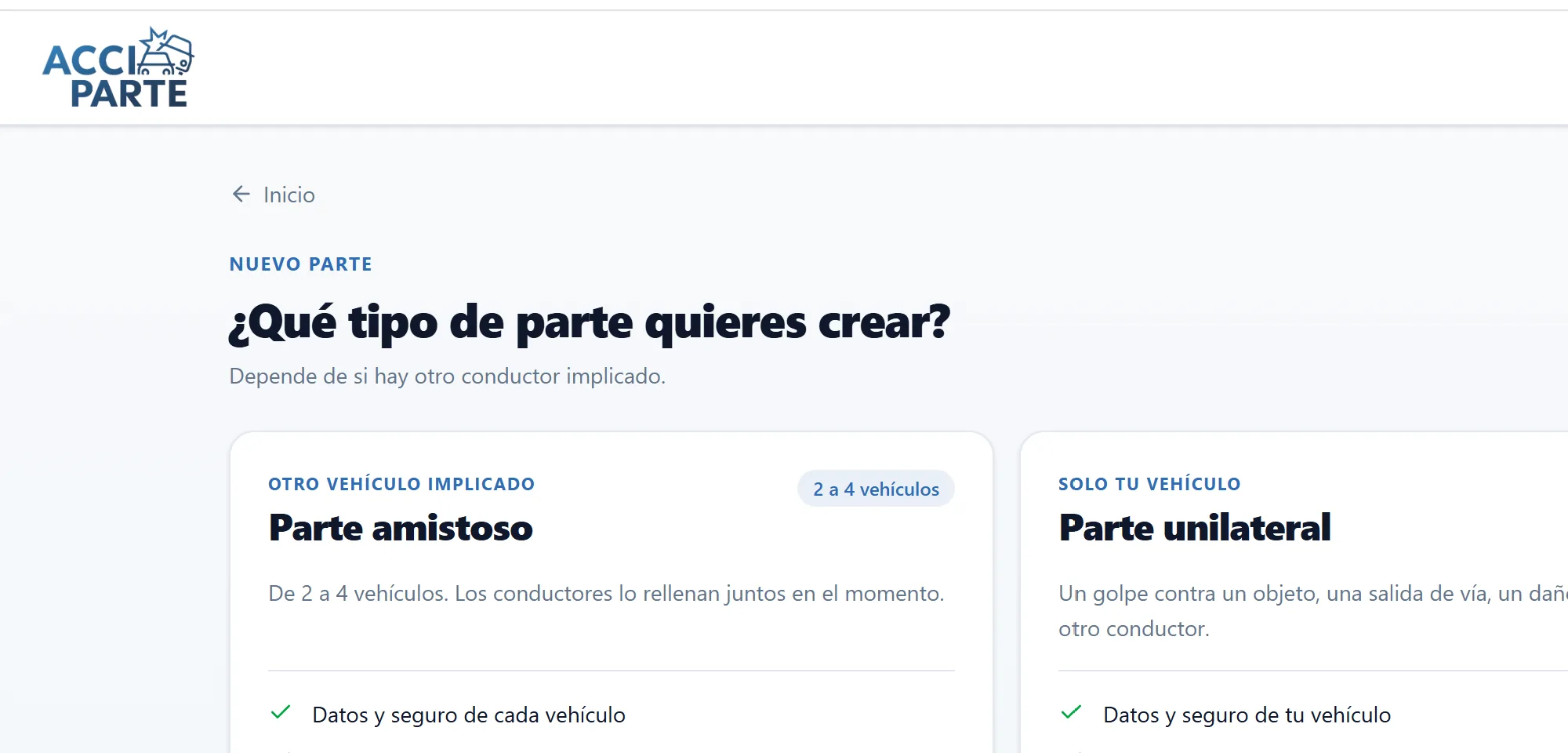
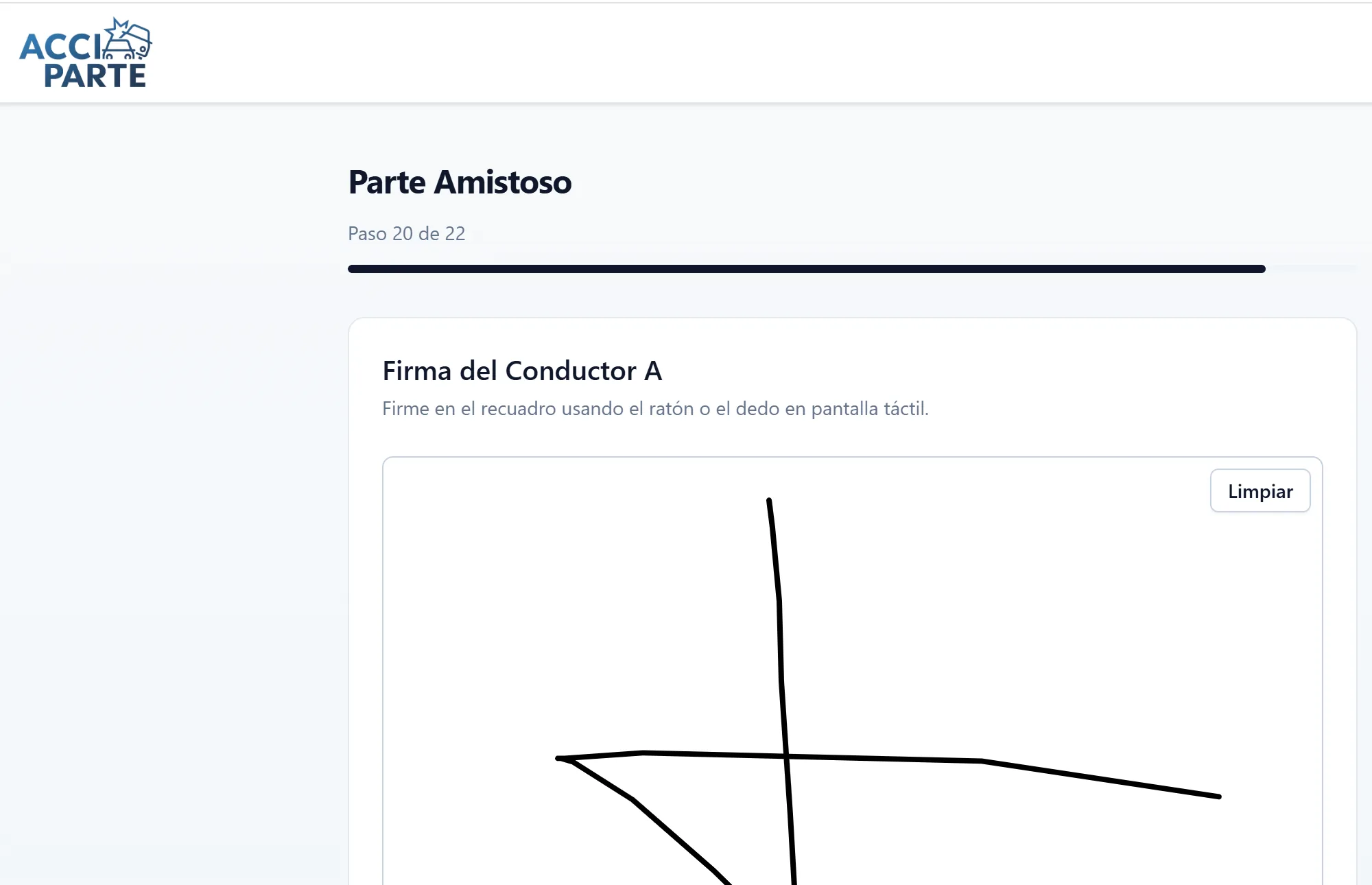
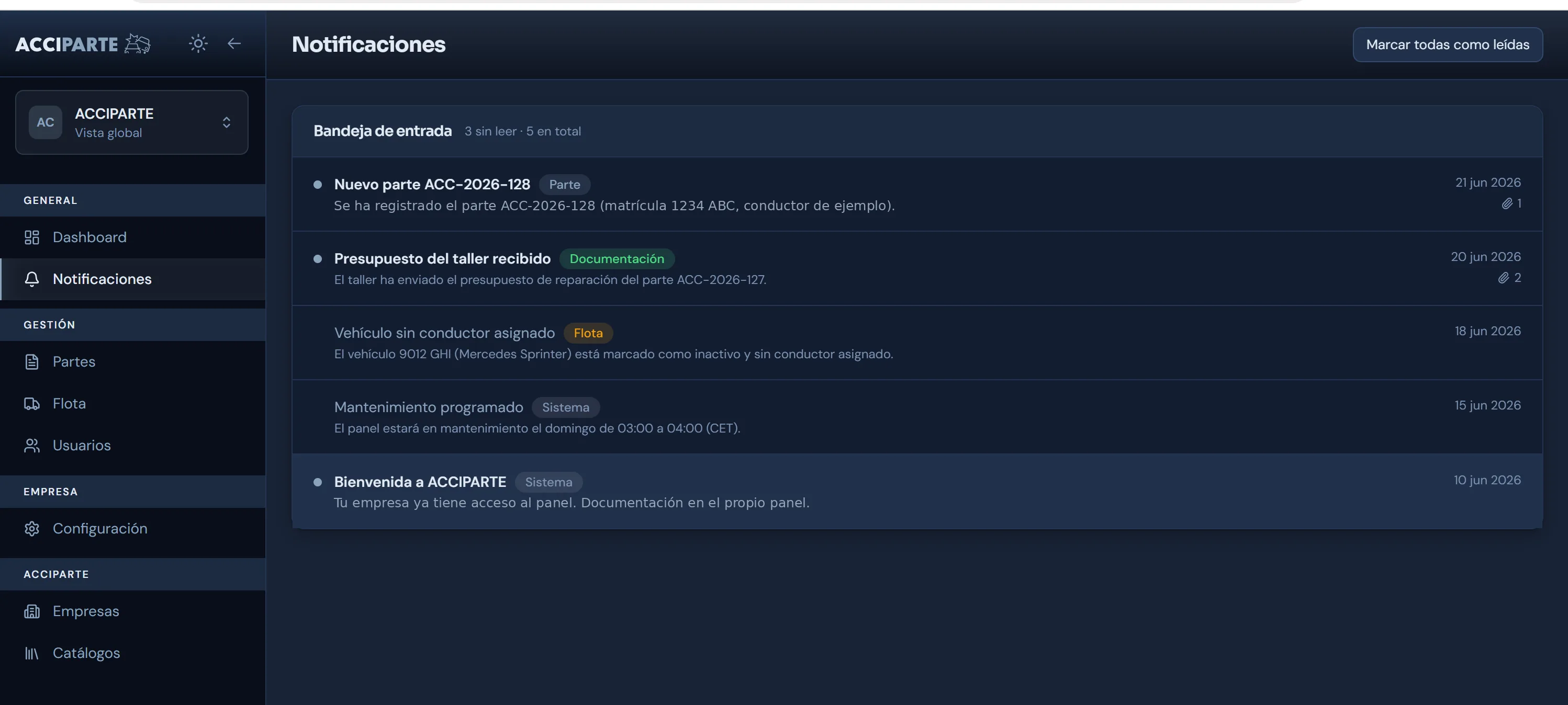
The manager's panel
What the company sees
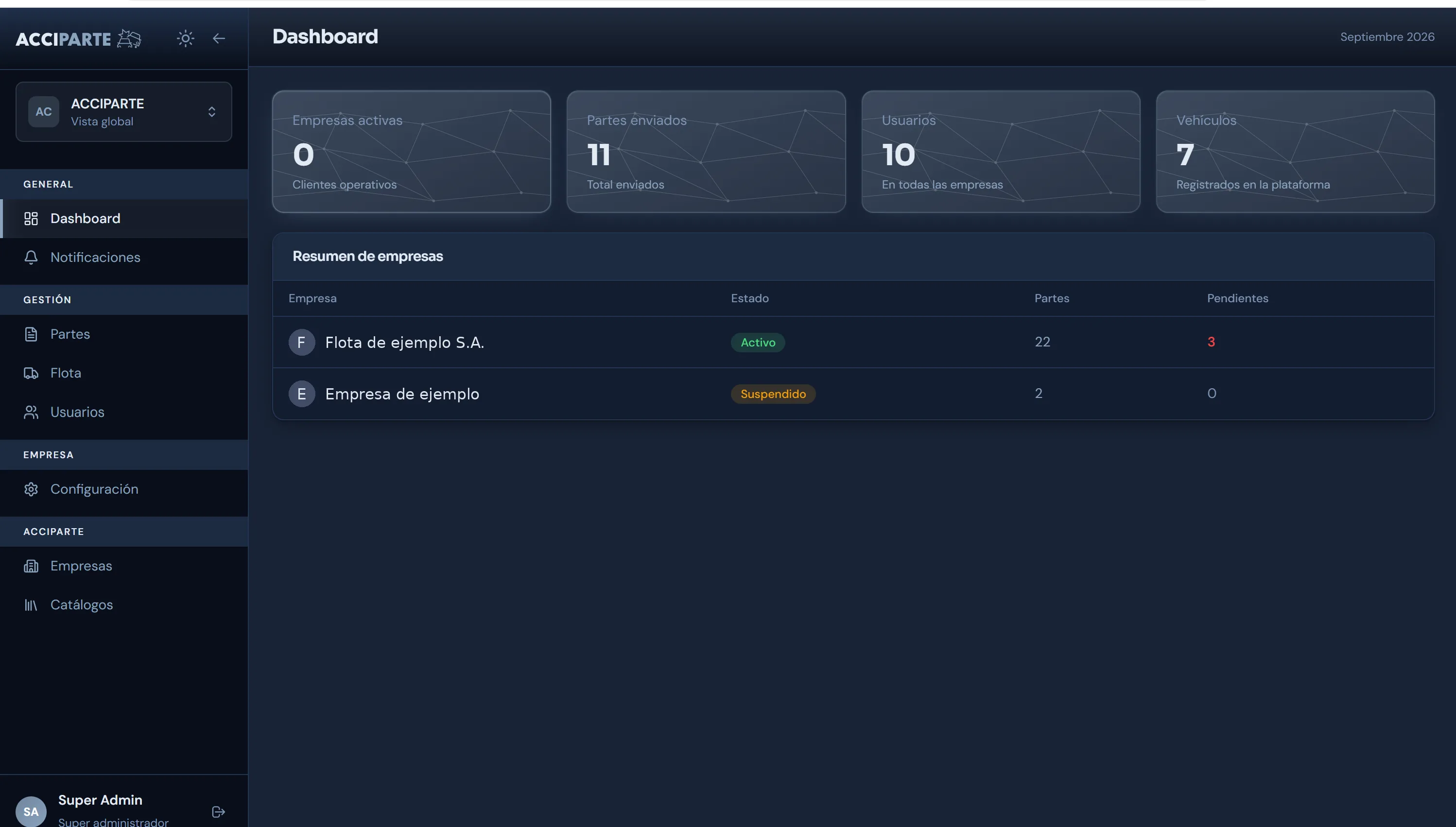
Administration panel with companies, reports, fleet and users. Each organisation sees only its own vehicles and claim files. Interface shown in Spanish.
Who sees what
One claim file, five views
Pick an actor and see which part of the file they have in front of them. Nobody sees more than they need.
The driver
Scans the vehicle's QR code and completes the official report in the browser: circumstances, a sketch on the vehicle outline, photographs and both parties' signatures. Afterwards they see the status of their claim file and what is still to be provided.
What happens if a stranger scans the vehicle's QR code?
They see a sign-in screen and nothing else. Without signing in, with the licence plate or an email and password, no vehicle or policy data can be accessed. The QR code identifies the vehicle; it does not open its information.
Does it work for a private individual?
Acciparte is contracted by companies and organisations. A private individual uses it when driving a vehicle with an identifier from an Acciparte client or when they are the other party in a report: in both cases they complete and sign from their phone, nothing to install. If you have had an accident, the [guide for drivers](drivers) explains what to do.
The other party
Reviews and signs from their own phone, identifying themselves in the report itself, with nothing to install. Their insurer receives the official report just as the client's does.
The fleet, the dealership or the broker
A panel with their identity, profiles by office and manager, a list and detail view of claim files, PDF, attachments and claims data. Data isolation by company.
The insurer
The official report as a PDF, the unique reference and, if it integrates, the structured data that concerns it. Acciparte does not enter its systems or process claims on its behalf.
Workshop, loss adjuster and other third parties
They contribute a quote, report or invoice against the claim file's reference, with temporary, authorised access. They see what they contribute and nothing more.
Branding and entry points
The product carries the client's identity when the deployment requires it. Besides the QR code, the report can be opened from a link, the intranet or another company's app.
Integration
It connects with what you already use
From day one, by email and PDF, with no integration at all. For those who want structured data, claim file access or an API by segment. The technical detail, the permissions model and the architecture are in the client documentation.
Acciparte does not adjust losses, value damage, determine liability, act as an insurance intermediary or provide legal advice. It captures the data at the source and delivers it to the systems that already do that work.
Frequently asked questions
Questions about the product
How is the driver identified if they do not download anything?
When scanning the QR code, the browser opens the report with the number plate preloaded, and the driver identifies themselves with the vehicle licence plate or with their own email and password. There is no installation, but there is identification: that is what guarantees the report is signed by whoever claims to sign it.
What happens if the other party does not have Acciparte?
They do not need it. They review and sign the report from their own phone through a link, identifying themselves in the report itself. Their insurer receives the official report just as the client's does.
Can a report be made without another party?
Yes. The unilateral report covers claims against fixed objects, damage with no identified third party, and cases where the other party does not cooperate. The document and the claim file are generated all the same.
What does the workshop receive?
If the client has configured it as a recipient, the workshop receives the notification with the claim file's reference and the photographs. It can submit a quote and invoice against that reference, and sees only what it has contributed.
How is it deployed across a group with several branches?
Each branch is configured with its own identity, managers and recipients, and the group consolidates claims data on its panel.
What languages does the report support?
The report's infrastructure is multilingual, and the form follows the European model of the accident statement, which is the same across every country in the Union. The other driver can complete their part of the report in their own language.
Related
Interactive demo
Interactive demo of the digital accident report: preloaded vehicle, circumstances, sketch, photographs and signatures in five steps. Nothing to install.
Keep readingClient documentation
Permissions model, architecture, API integration, data processing agreement and security questionnaire. Access with a work email.
Keep readingSecurity and data
Ownership by segment, explicit permissions, access audit log, isolated health data, EU hosting and a data processing agreement.
Keep readingWhy nobody installs the claims app (and what gets used instead)
There is one variable that separates digital report projects that get used from those that do not: whether anything has to be downloaded.
Keep readingNext step
See the full claim file for a sample claim
We will show you the report, the PDF, the reference, the distribution and the panel with one of your fleet's vehicles configured as it would be in production.