
Interactive demo
File a test report right now
Five steps, two minutes, nothing to install. Everything is fictitious and nothing leaves your browser. This is what a driver sees after scanning the vehicle's QR code.
- 1Vehicle
- 2Circumstances
- 3Photographs
- 4Signatures
- 5Claim file
Vehicle identified
The QR code does this step. The driver types nothing.
Circumstances and sketch
Tick what your vehicle was doing and tap the point of impact on the outline.
Point of impact
Photographs
In the real report the phone camera opens. Here, tap each slot to simulate a timestamped capture.
Both parties sign
Sign with your finger or mouse. In the real report the other party signs from their own phone, nothing to install.
Claim file created
This is what every recipient receives in minutes, with the same reference.
Recipients notified at once
In production
What it looks like on the real platform
Screens with fictitious data, interface in Spanish. The demo above reproduces these steps.
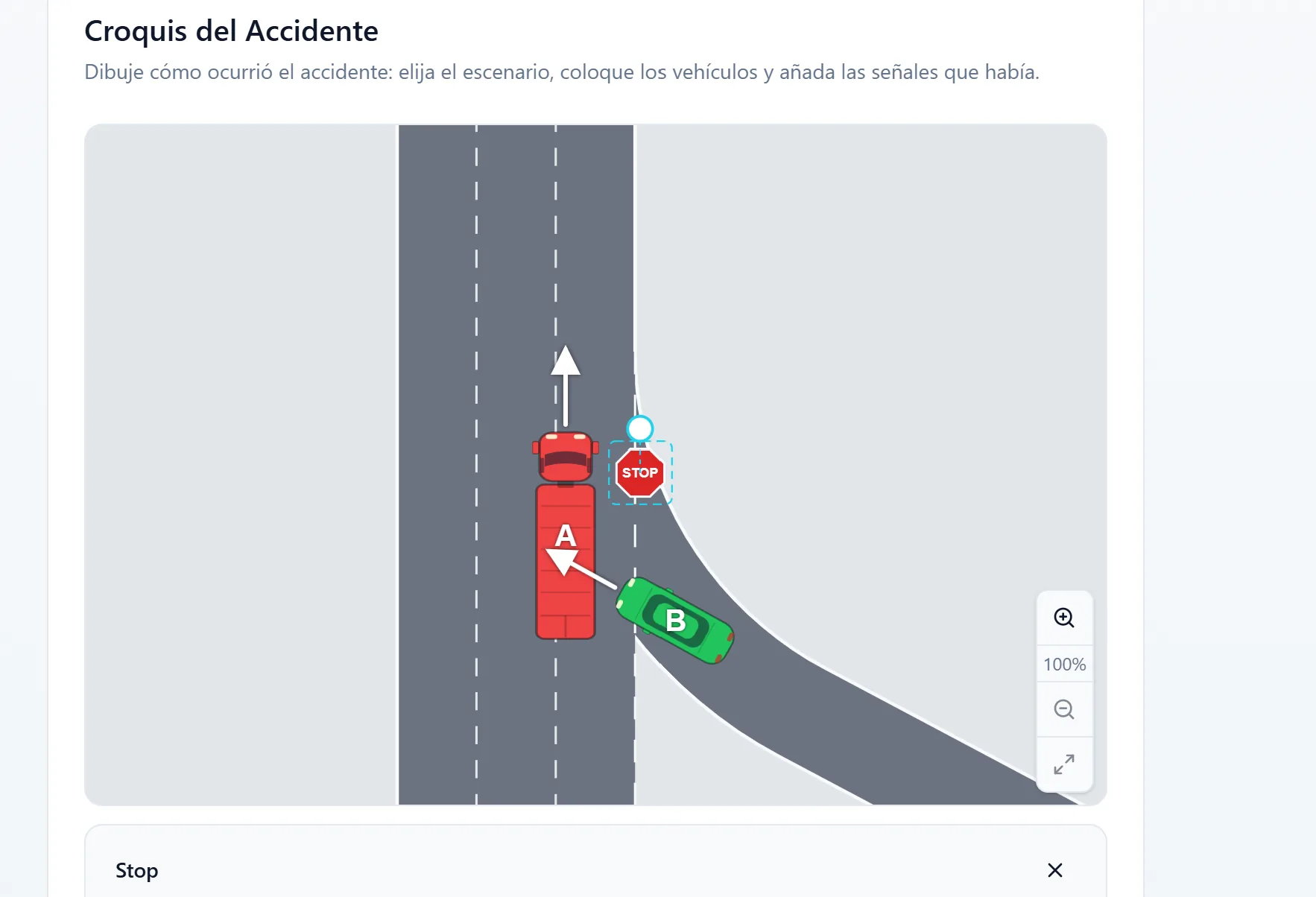
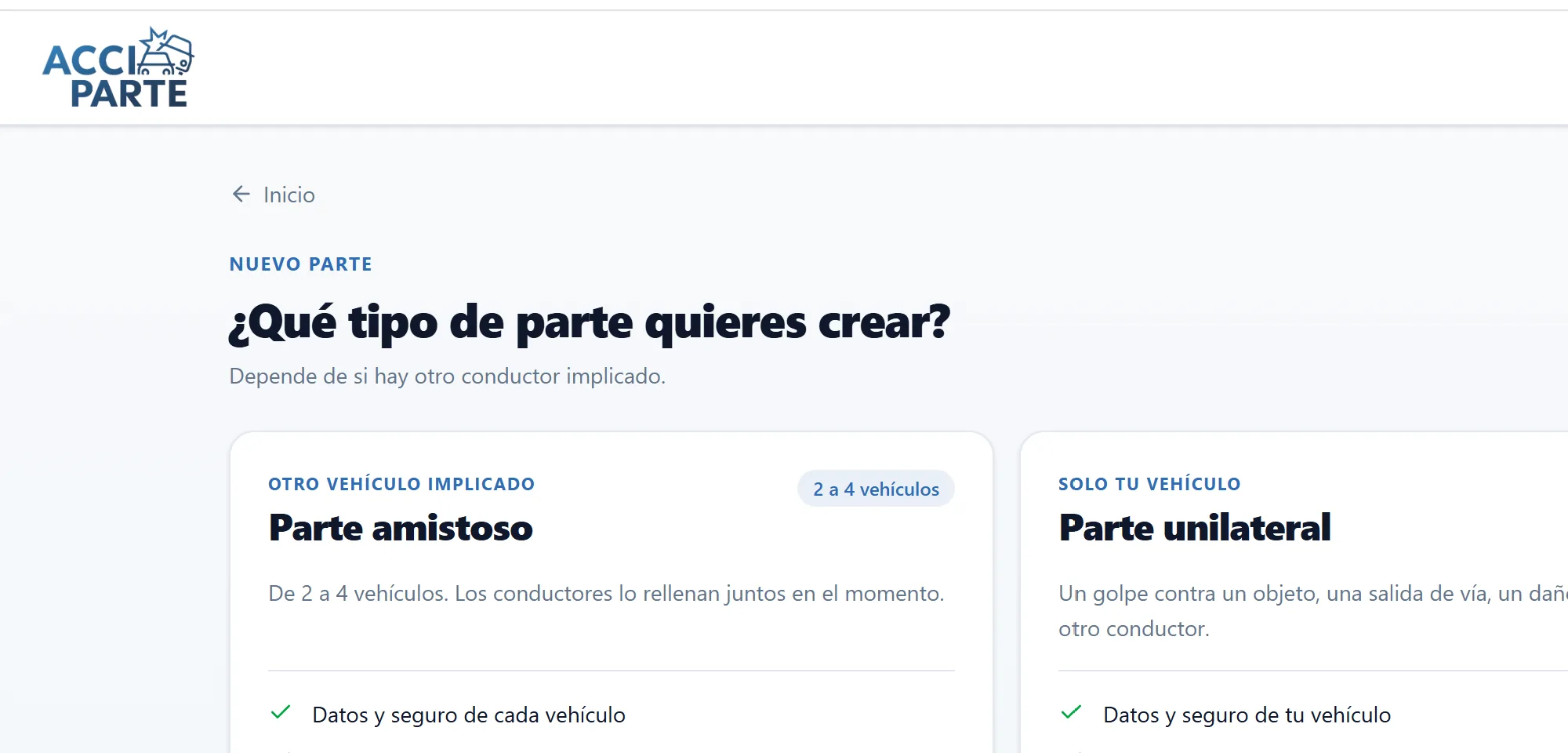
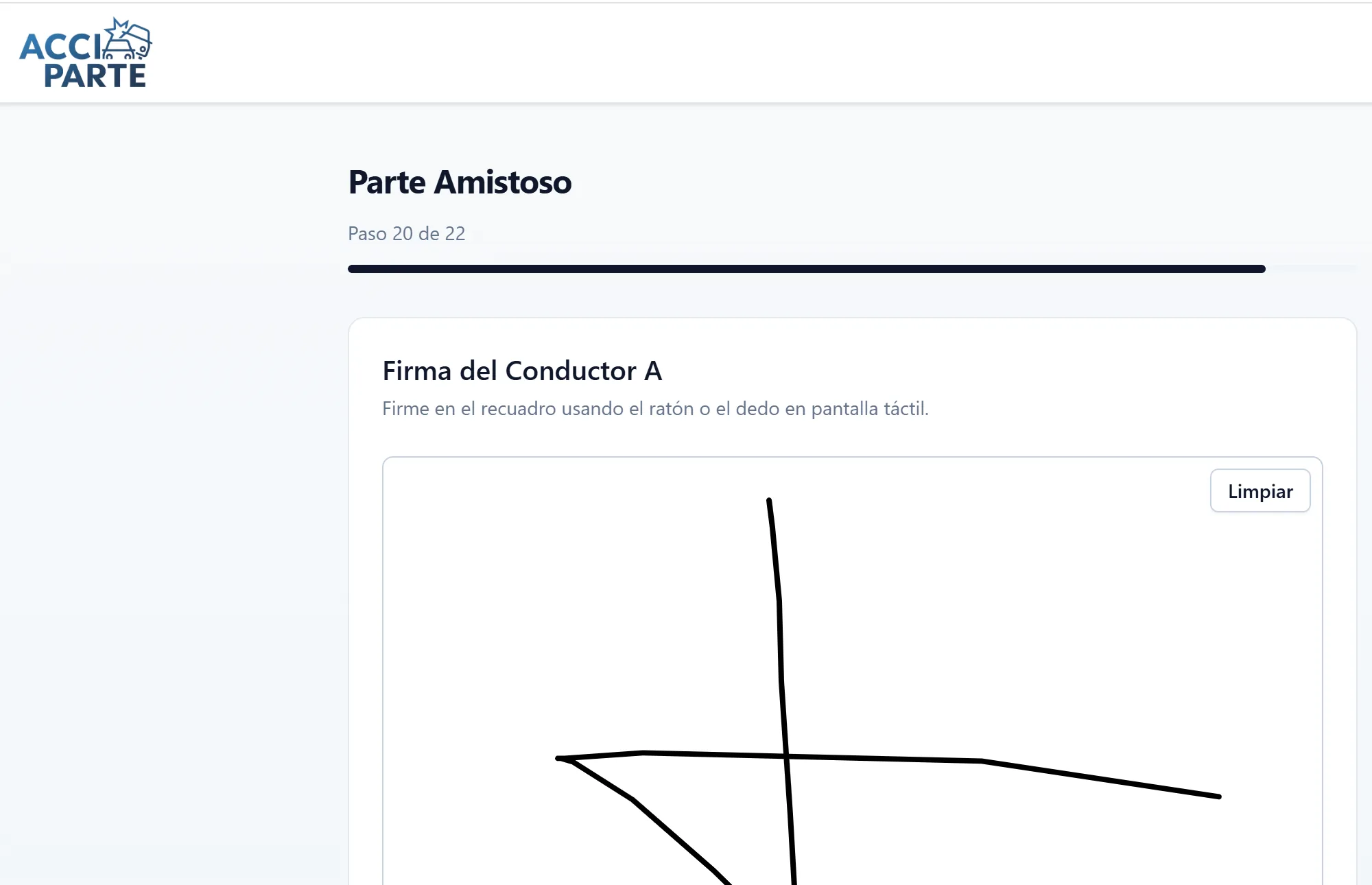
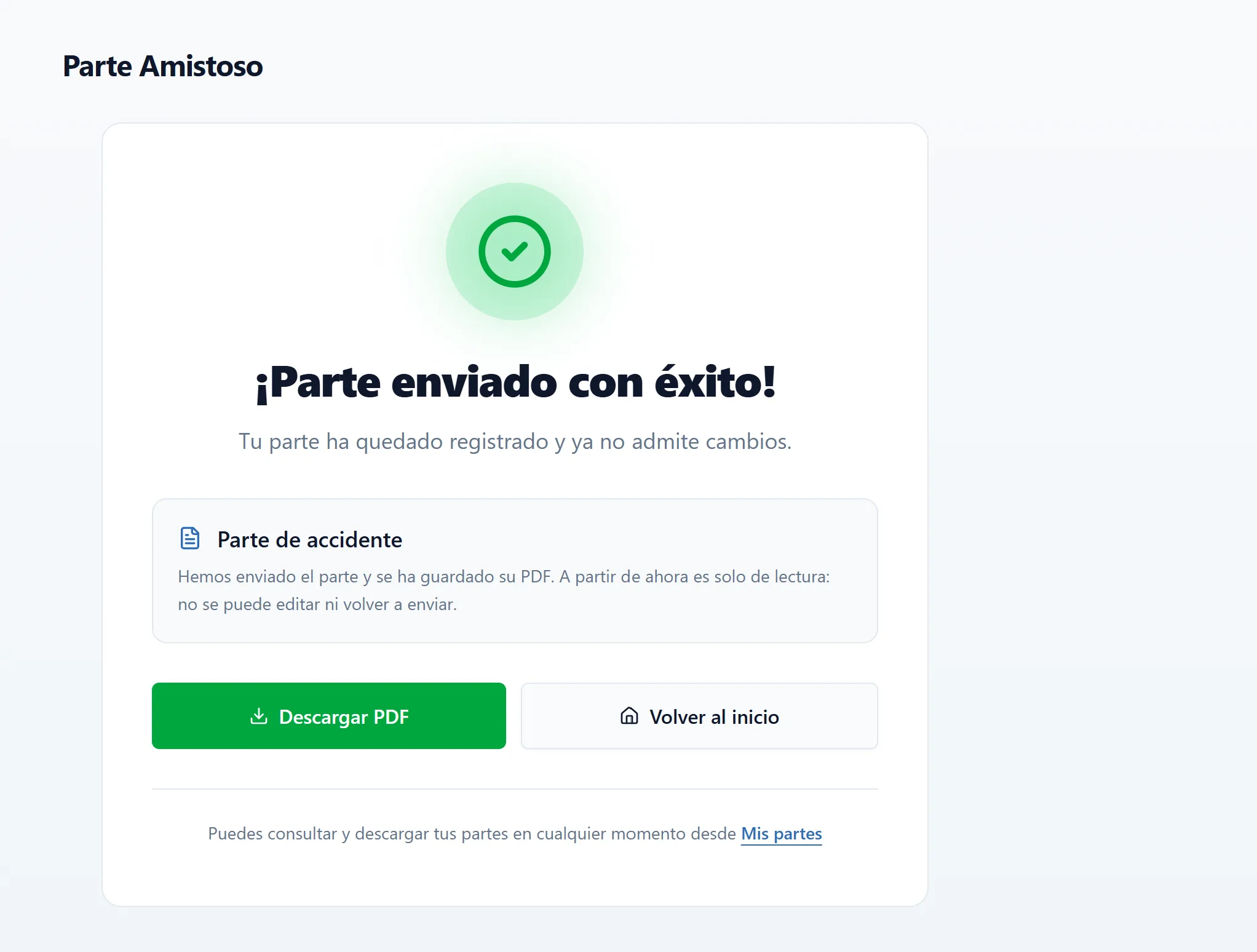
What a demo cannot show
What changes with your real fleet
Real preload
Plate, policy, insurer, broker and workshop for every vehicle, uploaded once by the company.
Other party on their phone
The other driver receives a link and signs from their phone, in their language, nothing to install.
Real distribution
The official PDF and the reference reach the recipients you configure, and the panel shows the status of every file.
Frequently asked questions
Frequently asked questions
Is anything I do in the demo stored?
Only in your browser, so you can resume it. Nothing is sent to Acciparte or anyone else.
Is the real report like this?
The steps are the same. In production the vehicle data is real, photographs are taken with the camera and the other party signs from their own phone.
Can I try it with my fleet?
Yes. A thirty-minute demo with a real vehicle from your fleet and the recipients you care about. Request it from the button or the contact page.
Related
Product
Guided capture at the scene, official PDF statement, unique reference, permissions by segment, admin panel and automatic distribution to every party.
Keep readingCompany fleets
The driver completes the report via the vehicle's QR code, no app, no need to know who insures it. The fleet gets the claim file in minutes, with photographs.
Keep readingDrivers
Had a car accident, what do I do? Guide to the digital accident report: what to photograph, what not to sign and how to complete it. Free at accipartedigital.com, no app.
Keep readingContact
Request a 30-minute demo of Acciparte's digital accident report on a vehicle from your fleet. Fleets, dealerships, brokers, insurers, leasing and rent a car.
Keep readingNext step
See the digital accident report working on one of your vehicles
A 30-minute demo with a real vehicle from your fleet. No installation and no commitment.