
For drivers
You have had a collision. Here is what to do, in order.
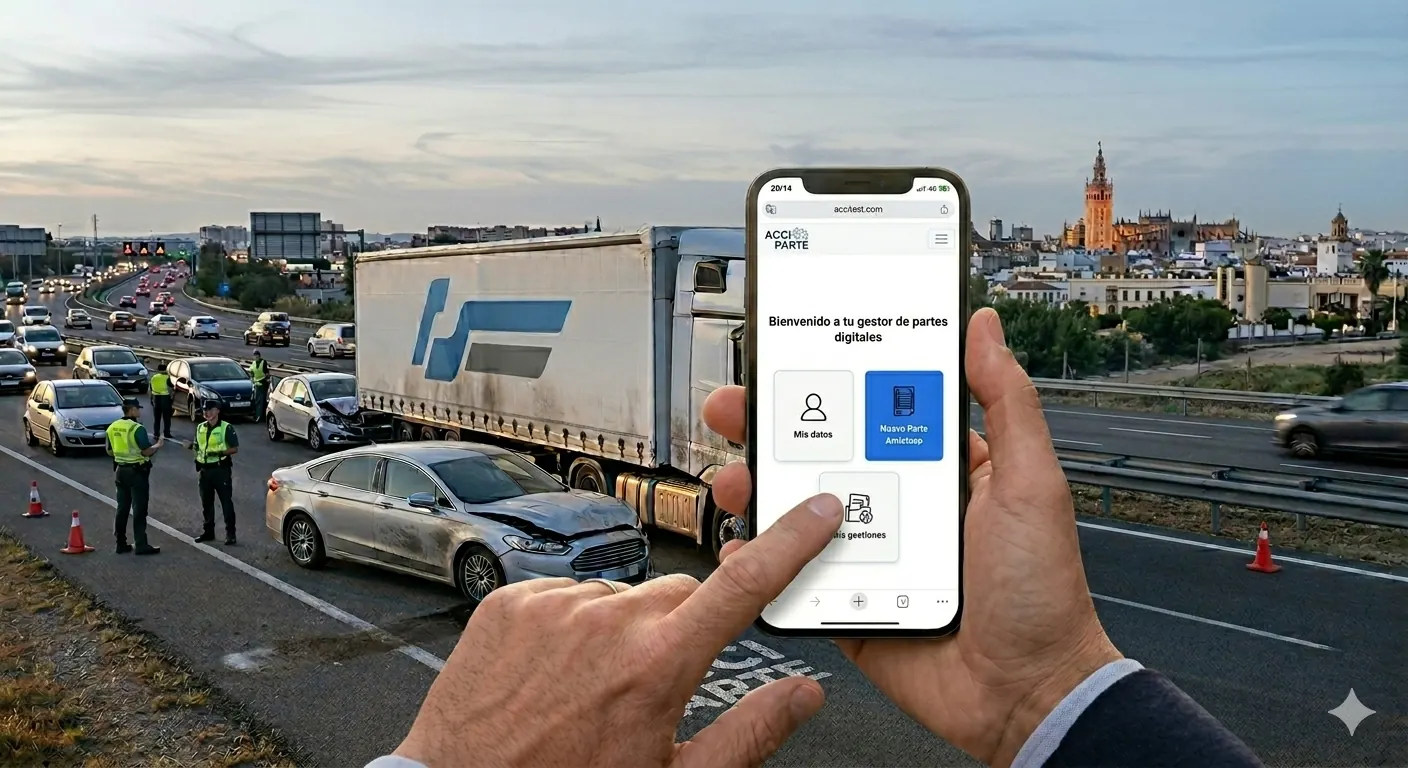
If the vehicle carries an Acciparte identifier, scan it and follow the steps: the report is completed in your phone's browser, with nothing to download. If it does not, this guide will still help you fill in a paper report correctly.
By drivers, for drivers
Acciparte is for you
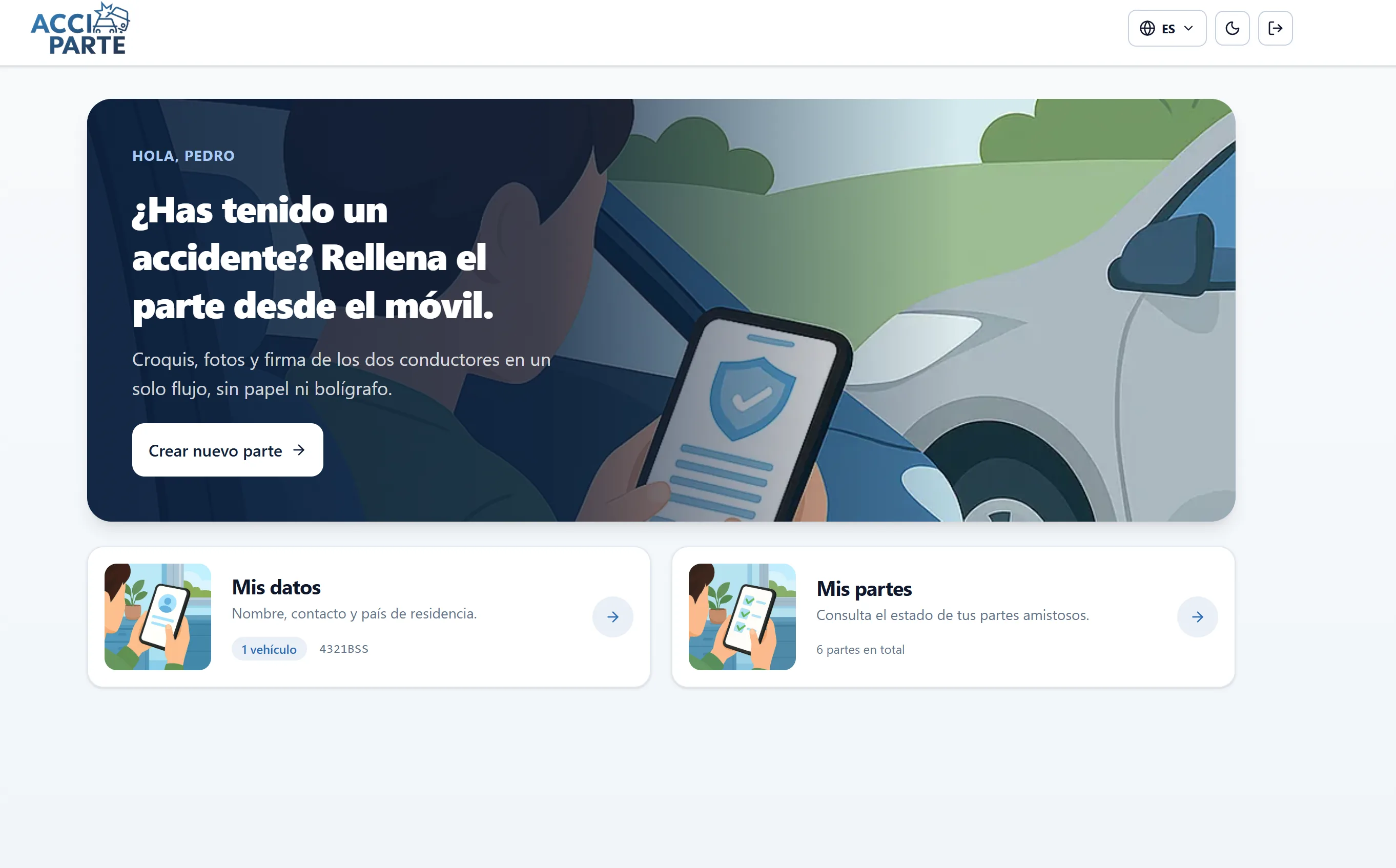
Acciparte is a web app made by drivers for drivers. Your company signs up and pays for it to give you a better service when you have an accident, but while they pay you can always get in for free: go to accipartedigital.com, register with your email and a password, and that is it. Nothing to download.
If you want, we send you a PDF with your QR code to print and keep in the glovebox. At the moment of the crash you scan it and the report opens on its own.
What matters is that you are not left stranded on the hard shoulder or depending on a phone that never answers. Acciparte guides you step by step and protects your data throughout, and makes sure your report arrives complete and on time, so your insurer has better information to help you with.
At the scene of the accident
The steps that matter in the first ten minutes
The accident statement does not say who is at fault. It describes what happened so the insurers can decide. What matters is that it is complete and that both parties sign it.
Get to safety and mark the scene
Hi-vis vest, warning triangles or hazard lights and, where possible, move the vehicles off the road. If anyone is injured, call the emergency services first.
Scan the vehicle's QR code or open the report
Using your phone's camera. The report opens in the browser with the number plate, insurer and policy already loaded. Identify yourself with the licence plate or your email and password.
Take photographs before moving anything
Position of the vehicles, damage to both, number plates, road signs and the state of the road. Acciparte's photographs carry a date and time and go into the claim file.
Mark the circumstances and draw the sketch
The boxes are the ones from the official report. Mark only those that describe what your vehicle did. The sketch is drawn on the outline of the car, with the point of impact.
Let the other party review and sign from their phone
They receive a link. There is nothing to install. They review their part, complete their details and sign. If they refuse to sign, a unilateral report is made and their details and number plate are noted.
Check the preview and close it
Check number plates, insurers and circumstances. On closing, the official report is generated and sent straight to your company, the insurers and whoever your company has configured. Keep the claim file's reference.
Common mistakes
What is best avoided
Signing without reading the other party's section
The report is a single document. Whatever the other party marks in their boxes, you are signing too. Read it in full before signing.
Marking boxes just in case
Each box describes a manoeuvre by your vehicle. Marking too many contradicts the sketch and complicates the outcome.
Moving the vehicles before photographing
If you need to clear the road, do it, but take two photographs of the position first. It is the evidence most often missing afterwards.
Writing the number plate from memory
With Acciparte, yours is preloaded. Photograph the other party's and copy it from the photo.
Admitting fault in the observations
The observations section is for facts, not opinions. Liability is determined by the insurers, based on the report and the evidence.
Leaving it for later
A report made the next day has fewer photographs, less data, and a version from the other party that may have changed.
After the report
What happens to your claim file
When the report is closed, a claim file is born with a unique reference. That reference is your key to knowing what state it is in.
Your company, its insurer, the other party's insurer and any other recipients your company has configured receive the report within minutes. You do not need to forward anything.
In your tracking area you will see a progress bar showing your claim file's status and a list of any missing documents. If your company has configured workshop, medical assistance or advisory options, they will appear once the report is closed. You will see at least two options plus the option to choose none: the decision is yours.
Acciparte helps with documentation and with the claim file's status. It does not value damage, decide liability or negotiate compensation: that is done by the insurers and, if you choose them, the professionals offered as options.
Need help with a claim file? Write to admin@acciparte.com with the claim file's reference. It appears in the header of the PDF and in the subject line of the emails you have received.
Frequently asked questions
Questions from drivers
No results. Try another word or write to admin@acciparte.com.
I've had a car accident, what do I do?
First, get to safety and set up warning signs; if there are injuries, call 112. Then complete the accident statement at the scene: photograph the position of the vehicles and the damage before moving anything, tick the circumstances on the official form, draw the sketch and both of you sign. With Acciparte you do it from your phone, entering via the vehicle QR code, via a link or at accipartedigital.com, with nothing to download.
What is a digital accident report?
It is the same friendly accident statement as always, the European model, but completed and signed from your phone instead of on paper. It produces the same official PDF, with the circumstances, sketch, time-stamped photographs and both parties' signatures, and reaches the insurers in minutes. Acciparte is a Spanish digital accident report: built here, in Spanish, designed for the report and the vehicle here.
Do I need to download an application?
No. The report is completed in your phone's browser after scanning the QR code or at accipartedigital.com. You only need the vehicle licence plate or your email and password.
Is the report I complete with Acciparte valid?
Yes. It is the accident statement in its official format, with the circumstances, sketch, photographs and both parties' signatures. Insurers receive it as a PDF, like any other report.
What if the other driver does not want to sign?
Complete the unilateral report: your version, your photographs, their number plate and, if they give them, their details. If there is a serious disagreement or injuries, call the police so they can draw up an official report.
Can I complete the report if the other driver is foreign?
Yes. The report follows the European model of the accident statement, which is the same across the whole Union, and the other party sees it in their own language through the link they receive.
What if I have a collision with no other vehicle involved?
Complete a unilateral report with photographs and location. Your company and its insurer receive it all the same.
Who sees my data?
Only the recipients your company has configured, and each of them sees only the part of the claim file that concerns them. Health data, if any, is isolated and only shared with your explicit consent. You can read more on the security and data page.
Related
What is the European Accident Statement and how to fill it in without errors
The European accident statement form, box by box, and the mistakes that turn a three-day claim into a three-month one.
Keep readingInteractive demo
Interactive demo of the digital accident report: preloaded vehicle, circumstances, sketch, photographs and signatures in five steps. Nothing to install.
Keep readingFrequently asked questions
What Acciparte is, who it is for, whether an app is needed, official format, pricing model, where data is hosted, who sees what and how to request a demo.
Keep readingFor companies
Do you manage a fleet, a dealership or an insurance portfolio?
Acciparte is deployed across your fleet so your drivers complete reports this way. No app, no training, and the claim file in your panel within minutes.